Follow the backing
Sourced relationships beside the people named on the page you’re reading: who pays them, what they own, who they work with, and the evidence behind each one.
Download
For Chrome or Edge on a computer. The Chrome Web Store listing is coming soon; until then, the extension is installed by hand.
The download link comes with your tester invitation. If you don’t have it, ask for it.
Install
About two minutes.
Unzip the download
Put the folder somewhere you’ll keep it. Chrome loads the extension from that folder, so don’t delete it.
Turn on Developer mode
Open
chrome://extensions(oredge://extensions) and switch on Developer mode.Load the folder
Choose Load unpacked and select the unzipped folder, the one that contains
manifest.json.Pin it and allow site access
Pin hoodat from the puzzle-piece menu. Then open the extension’s Details, set Site access to On all sites, and reload any pages that were already open.
Try it
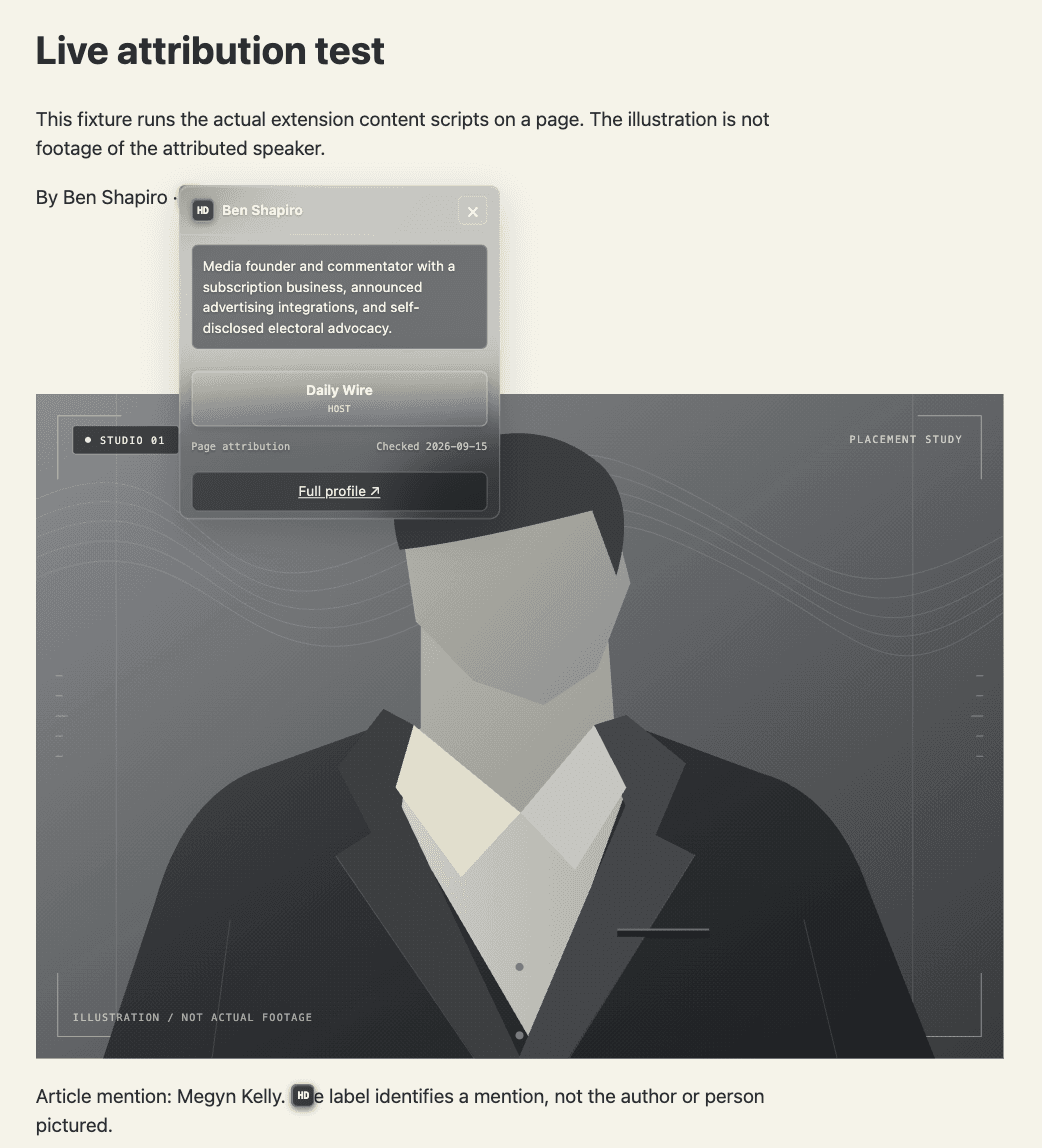
Open one of these. An hd marker should appear beside the name within a few seconds. Open it for the card, and a relationship for its evidence.
- Article bylineJessica Tarlov · Fox News opinion column
- X accountJoe Rogan · x.com/joerogan
- YouTube channelDavid Pakman · The David Pakman Show on YouTube
It works on any site that names someone hoodat has reviewed: bylines, quote attributions, X accounts, YouTube channels and captions. See who’s covered.